Comparison
What changes when you close the spreadsheet.
Right now your orders probably live in three places - a spreadsheet for domains and pricing, a Slack channel for status updates, and a vendor's inbox for placing and confirming orders. Here's what changes when all three become one dashboard.
Three tools, doing the job of one.
None of them talk to each other, so someone has to - usually you.
See the difference
This is what replaces all three.
One dashboard for domain inventory, order tracking, and invoicing - the same jobs the spreadsheet, the Slack channel, and the inbox were never quite built to do.
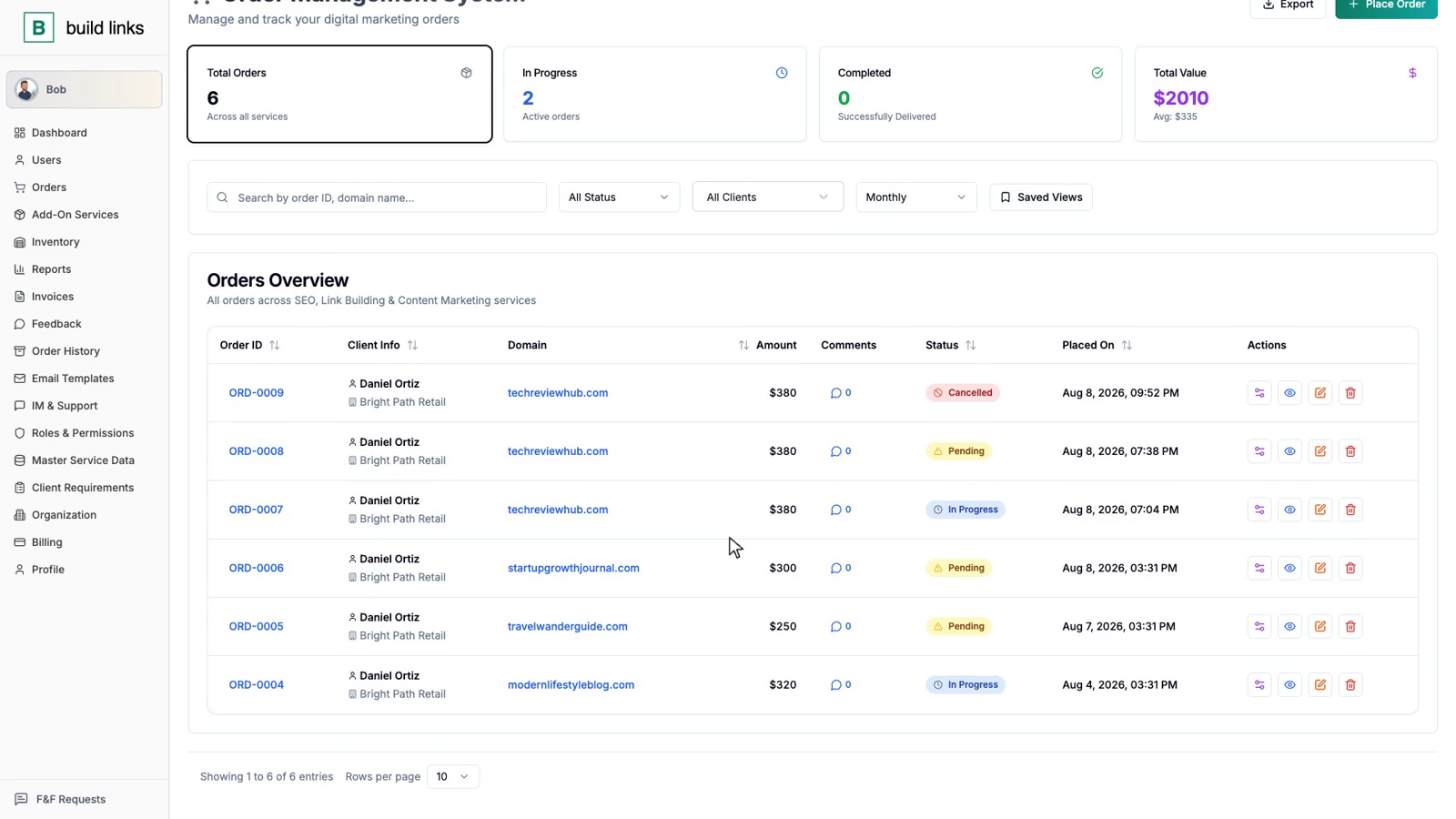
| Category | The old way | build links |
|---|---|---|
| Domain & vendor inventory | Spread across spreadsheet tabs. Pricing and turnaround times go stale the moment nobody updates them. | One inventory - domain rating, traffic, your own pricing per client, turnaround time, and guidelines. |
| Order tracking | Whatever's typed into the sheet. Anchor text and target URLs can get overwritten by mistake, and "Completed" is whoever last checked. | Pending, In Progress, Completed. Target URL and anchor text lock the moment an order is placed, with link verification running automatically on publish. |
| Client visibility | Clients ask in the Slack channel and wait for someone to check and reply. | A white-label client dashboard where clients see their own orders, any time, without asking anyone. |
| Invoicing | Typed by hand from the spreadsheet. Due dates tracked in someone's memory, or not at all. | Generated automatically from completed orders - line items, pricing, and due dates included, branded to you. |
| Team access | One shared sheet and inbox. Everyone who can open it can see every client's pricing and every vendor's cost. | Five scoped roles: Sub Admins see their own book of clients, Accountants see invoices, Clients see only their own orders. |
| Checking a status right now | Dig through the sheet, scroll the Slack channel, search the inbox. | Ask Bob. "What's the status on ORD-0413?" gets an answer immediately, no digging. |
| Growing past one person | Tribal knowledge lives in whoever set up the spreadsheet. Onboarding a teammate means re-explaining the whole system. | The same dashboard, solo or with a full team. New teammates see exactly what their role allows, from day one. |
Stop copying links into a spreadsheet.
Start your next order in BuildLinks instead - free, no credit card needed.
Start free trial